All work · Consumer IoT
Activation
Smart-home owners were stalling at activation. I audited a 17-step flow down to the moments that still need a human—confirmation and permission—and automated the rest. Result: ~80% fewer steps, fewer pairing mistakes, clearer path to a working device.
- ClientPura
- RoleUser Experience Designer
- TeamProduct Manager, Engineering Manager, Product Designer, UX Manager
Find the friction
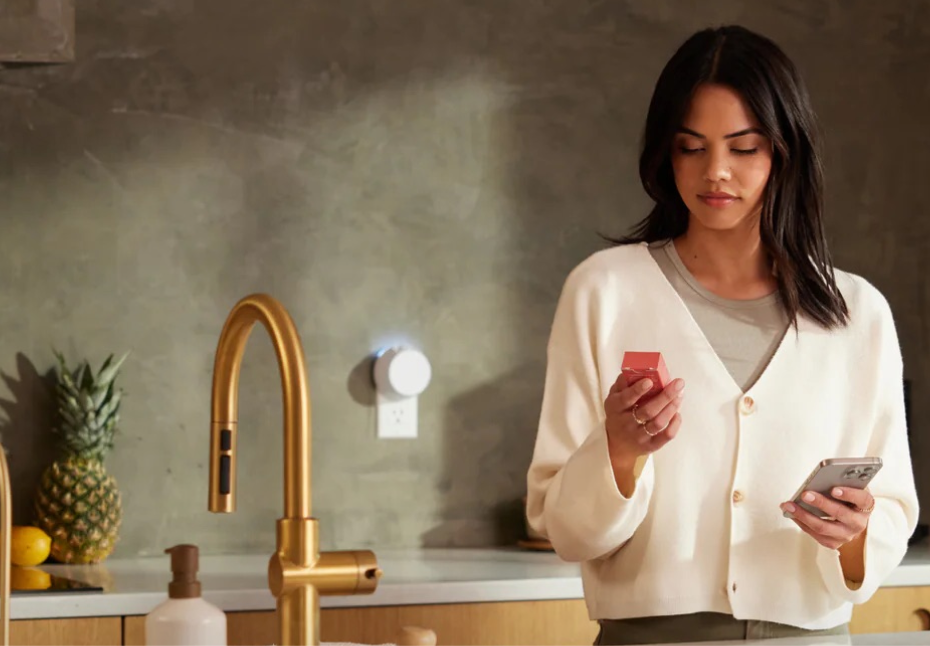
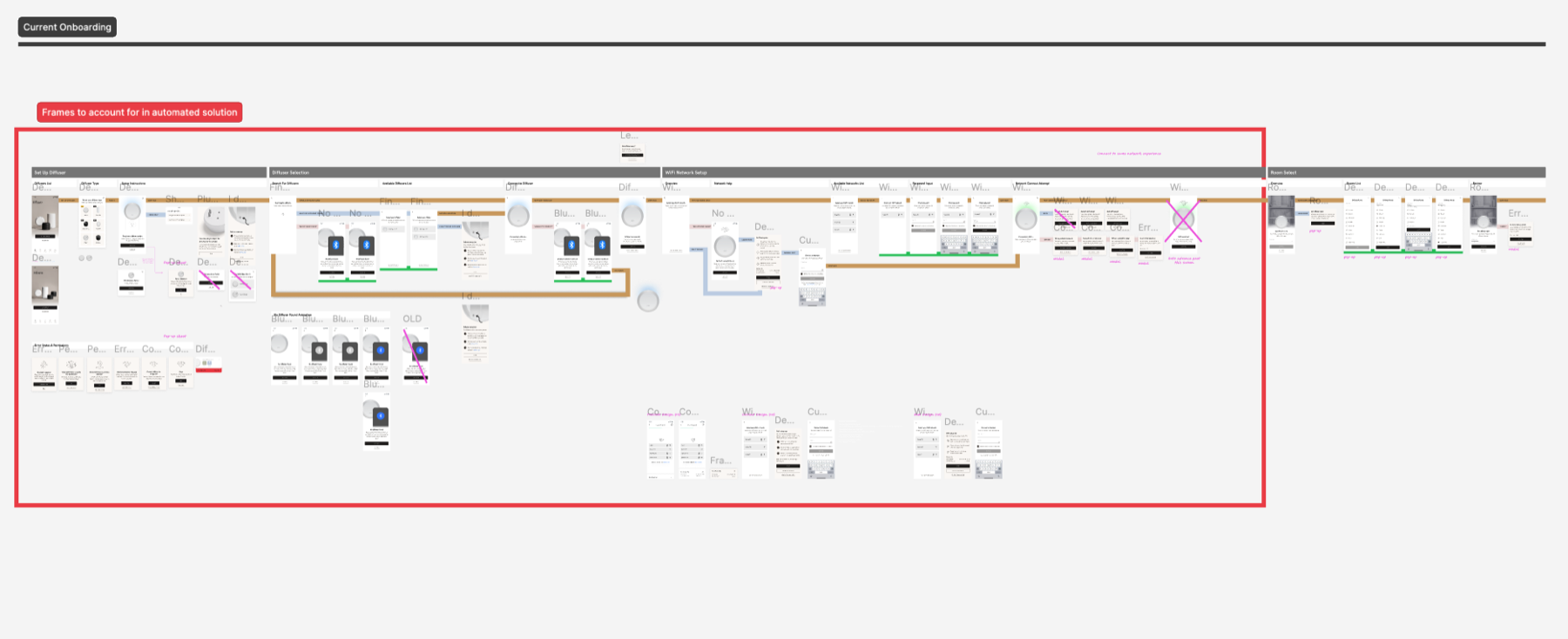
Pura smart-home device owners often failed to activate their devices, and research pointed to friction in onboarding. The existing flow asked people to work through 17+ manual steps before a device would work.
Research for effective patterns
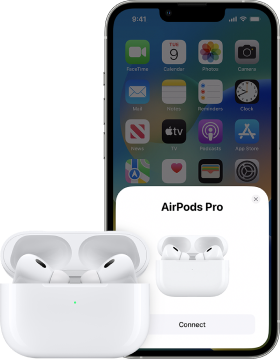
I studied low-friction pairing, like AirPods, and other consumer onboarding that gets out of the way.
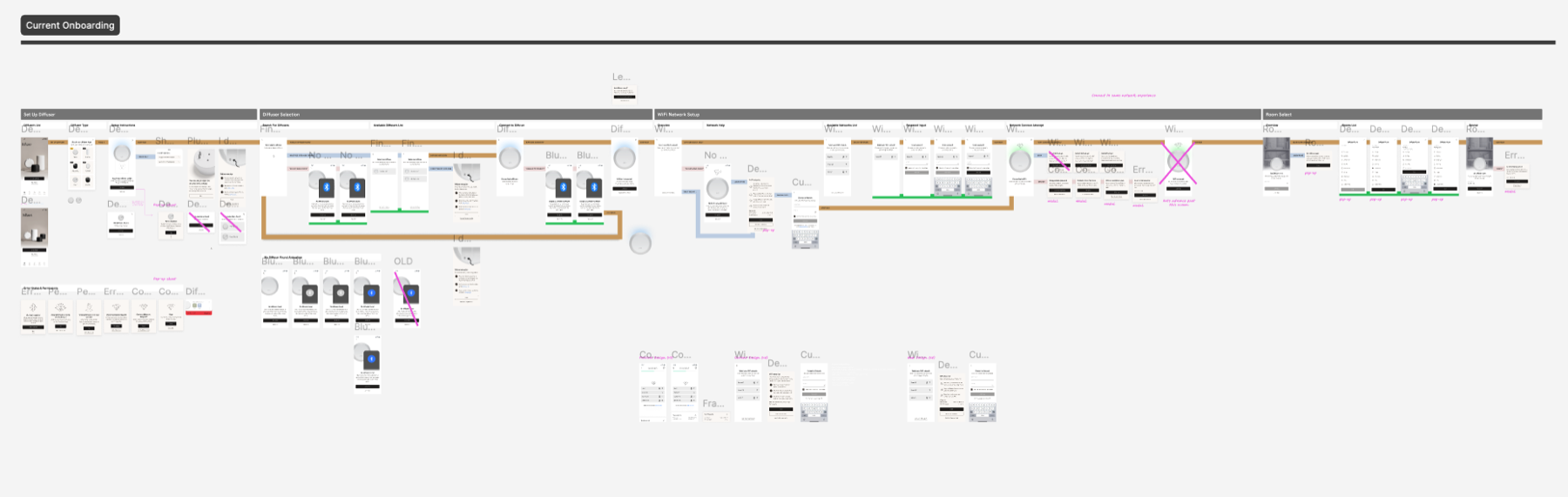
Audit of the current solution
I questioned every screen: if the app already had the data, why ask the user to re-enter it?
Keep only what needs a human
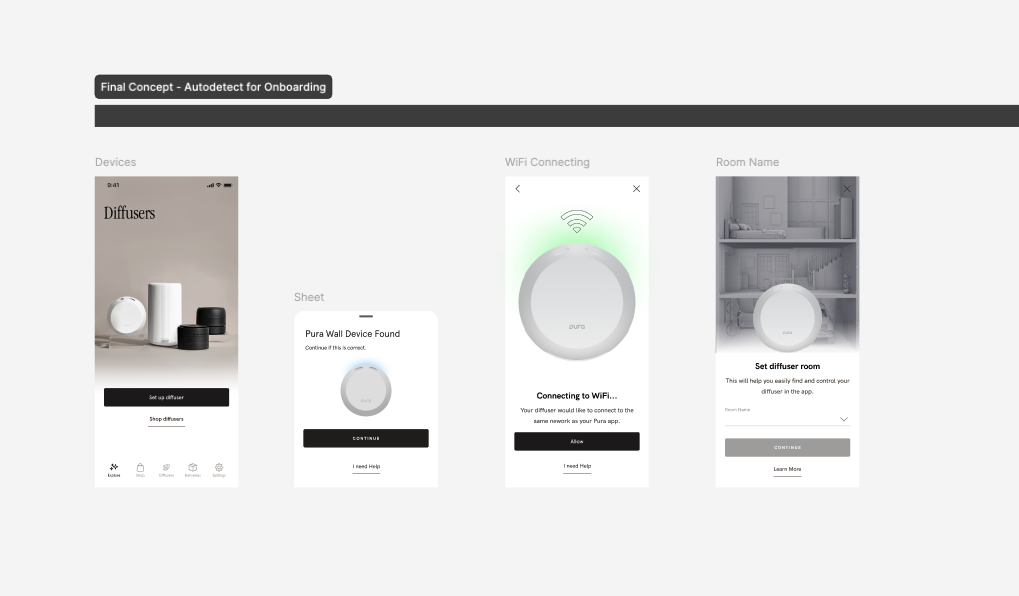
The answer was automation: identify the new device and pair it with the app, so activation feels seamless instead of a long manual gauntlet.
Focus area
I kept only confirmation and permission as human steps, and automated the rest with credentials and data already in the app.
Outcome
The flow went from 17+ steps to three screens. After review with engineering and product, we added one screen for code limits and clearer user understanding.
- ~80% fewer steps
Reduced onboarding steps by about 80%.
- Fewer errors
Eliminated human input error in three key areas: model ID, Bluetooth pairing, and Wi‑Fi onboarding.
- Better sentiment
Increased positive sentiment in user testing.